![ScreenMode [extension]](https://modelab.top/wp-content/uploads/2026/08/screen宣传图-1024x500-1.jpg)

ScreenMode is a lightweight browser extension for capturing full-page screenshots.
Most built-in screenshot tools only capture what is currently visible on screen. For long webpages, that usually means taking multiple screenshots while scrolling and then stitching them together manually. ScreenMode is designed to remove that extra work: with one click, it automatically scrolls through the current page, captures the entire webpage from top to bottom, and combines everything into a single PNG image.
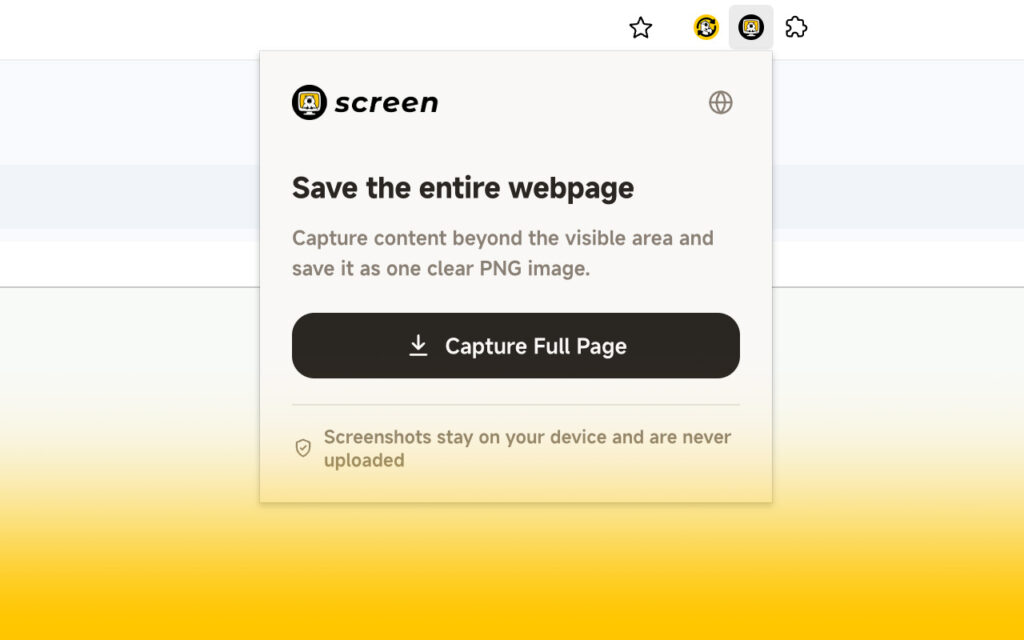
Using it is simple. Open the webpage you want to capture, click the ScreenMode icon in your browser, then choose “Capture Full Page.” There is no need to scroll manually. Once the capture is complete, the page returns to your original scroll position and the final image is saved directly to your device.
ScreenMode does not require registration or login, and it does not rely on a cloud service. Webpage content and screenshots are processed locally in your browser and are not uploaded to Modelab servers or shared with third parties. The extension also contains no ads, analytics, or telemetry.
For now, ScreenMode is mainly designed for capturing standard webpages. Due to browser security restrictions, internal pages such as the Chrome Web Store, browser settings, and extension management pages cannot be captured.
As with my other Modelab projects, this is a personal, non-commercial VibeCoding experiment. The idea came from a very simple need: I often wanted to save complete webpages, but I did not want to install a complicated tool just for one screenshot feature. So I built a small extension that focuses on doing only that one thing.
If you often need to save full webpages too, I hope ScreenMode can be useful.
Any feedback or suggestions are always welcome!